Price is moving, but the move lacks strength and may reverse immediately after you enter.
Weak impulse.
Entering an emotional move without volume support often ends in a pullback.
Strong impulse
You can see the quality of the wave: is the movement behind the real volume or is it noise?
Price momentum combines the role of major oscillators such as RSI, MACD and Stochastic. It shows not only direction but also wave quality: green indicates bullish momentum and red bearish momentum. Wave size shows how strongly buyers or sellers currently dominate.
The points on the waves mark the turning point: green up, red down, and the brighter the point, the stronger the signal. The violet lines show divergences - divergences between price and momentum. The momentum is the fastest layer of the bottom indicator: it finds reversals before the rest, so it requires confirmation by trend.
Updated: · Midas Team
How price momentum appears on the chart
The momentum of price movement replaces all major oscillators such as RSI, MACD and Stochastic, and visualizes not only the direction of price movement, but also the quality of this wave much more accurately.
The smoothed waves show each wave according to its strength and speed.
- The color of the waves shows the mood of the current wave: green - bullish, red - bearish.
- The size of the waves shows the strength of the current wave – how strong the bulls or bears are.
- The points show the exact moment of the wave reversal: green - up, red - down; the brighter the point, the stronger the reversal signal.
- The purple lines show divergences – discrepancies between price and momentum.
How to use price momentum
Waves help us understand the strength of bulls or bears and avoid weak and unreliable movements, for example, when a green wave is large and long, it tells us the strength of the bulls, and it's dangerous to go short until the wave decreases, the stronger the momentum, the more likely it is to continue.
Points help identify potential moments for entry, profit-taking and adding to a position. Look for momentum to begin changing as confirmation of a new short-term trend.
- Opening position: in a bullish trend, the optimal entry points are green dots on a green wave or the moment of the beginning of a green wave when the color changes; in a bearish trend, the mirror-red dots on a red wave or the beginning of a red wave.
- Adding to a position: while momentum is strengthening, you may add on pullbacks when points of the trend colour appear and price remains within the current momentum zone.
- Taking profit: if momentum slows near a key price level, a reversal point can be a reason to reduce or close the position.
The red impulse turns to green, and then all the green dots are potential trades in the long run in the continuation of the trend or the zone of gaining positions.
The green impulse turns to red, and then all the red dots are potential short trades in the continuation of the trend or the zone of picking up positions.
In a long trade, after strong growth impulses, red dots are profit-fixing zones, as is the moment when the wave color changes to red.
A price-momentum workflow
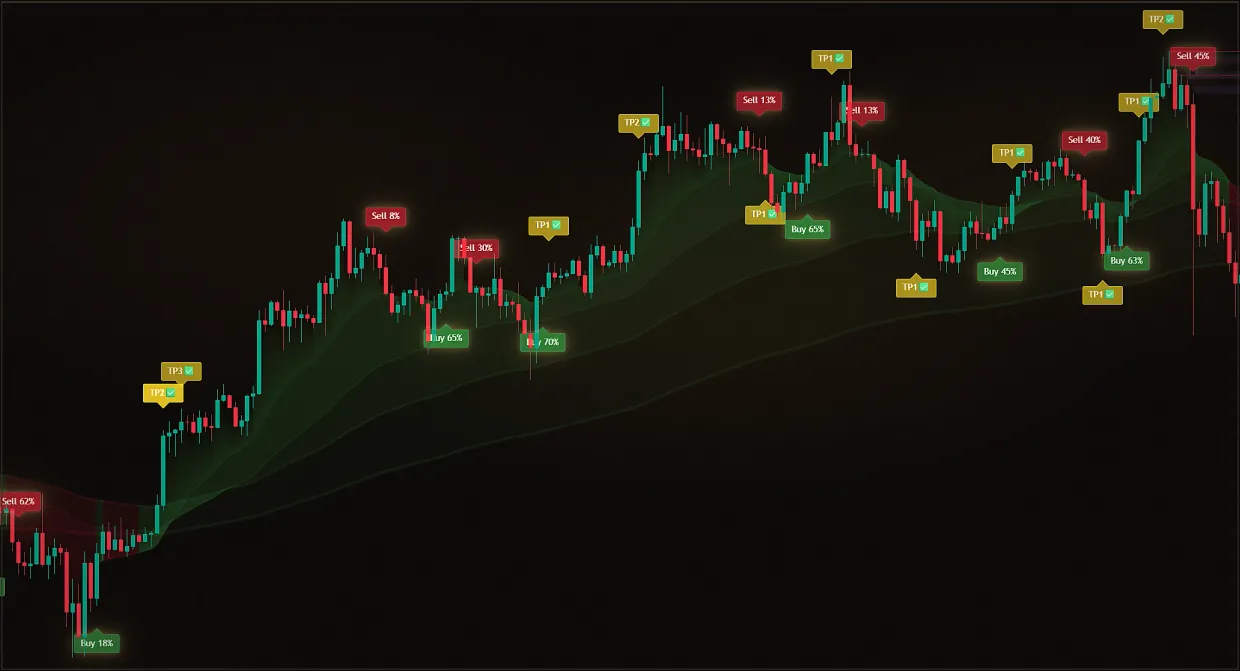
We use signals and pulse waves. When the pulse shows a green growth point, we wait for Buy and open the long. When the pulse shows a red drop point, we wait for Sell and open the short.
Use it only as additional confirmation in the current trend direction. In a sideways market or against the trend, the signals produce too much noise and are better skipped. Experienced traders may enter earlier without waiting for the signal.
Did this guide help?
Thank you. Your answer was recorded.
Thank you for your feedback. You can continue in the English-language Midas bot. Open the English bot
Test Midas on your own TradingView chart
- Seven days free: Midas Up and Midas Down on your TradingView chart
- No card or prepayment: access is linked to one public TradingView username
- Markets available on TradingView and timeframes from one minute to one month; choose settings for the asset and trading style
No card. No payment. A TradingView username is public; never send a password.
8,400+ Midas indicator installations · 300+ client reviews · active since 2024