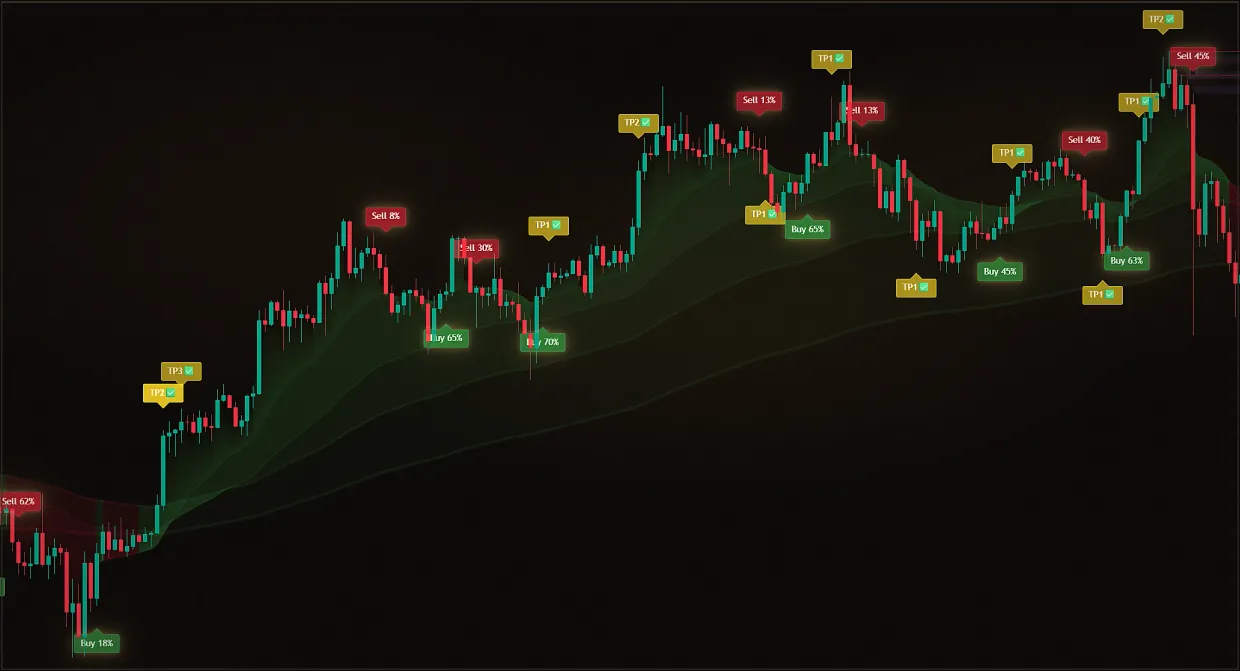
The demo is over, and it's scary to be left without an indicator in the middle of the work week.
Access is over.
The indicators disappeared from the chart at the right time, the signals no longer come.
Access extended
Payment and activation take a few minutes, while your settings and chart layouts remain in place.
Going from the demo to a full subscription is one step in the same bot. Payment goes through @Multiindicator_bot, and access to the indicators in your plan opens automatically after payment; you do not need to activate or forward anything separately.
After payment, all tools in your plan are added to your TradingView username. Every paid plan includes Midas Up, Midas Down, Screeners and VIP Club; longer subscriptions also include MultiTrend, Pump&Dump, BackTester and a higher cashback rate. Access remains linked to the same public TradingView username used for the demo. Current plans, terms and cashback rates are listed on the pricing page.
Updated: · Midas Team
Four activation steps
Select the plan in @Multiindicator_bot
The bot will show you options and timelines.
Pay in a convenient way in the bot
The bot will handle the payment itself.
Access will open automatically
The same login TradingView as the demo.
Refresh the Indicators list in TradingView
The tools included in your plan will appear under Invite-only scripts.
What opens after payment
In any subscription, regardless of the term:
- Midas Up and Midas Down are two flagship indicators for analyzing the chart and setting up any alerts.
- Screeners monitor 1,000+ assets in major markets and send you screenshots and analysis.
- VIP-Club is a training course in technical analysis, chat with the team and other traders.
What longer subscriptions add
- MultiTrend - trend and sideways-market conditions across all timeframes in one window.
- Pump&Dump finds abnormal impulses and signals the start of a pullback.
- BackTester - a TradingView strategy that checks your entry and exit conditions on historical data.
- The course of 10 trading strategies is a step-by-step guide with entry schemes and goals (only on perpetual access).
- Increased cashback of trading commissions – the longer the subscription, the higher the return percentage.
If the demo has already expired
Payment works in the same bot with the same TradingView username. Questions about another demo period are handled individually through an available verified Midas support channel.
Did this guide help?
Thank you. Your answer was recorded.
Thank you for your feedback. You can continue in the English-language Midas bot. Open the English bot
Test Midas on your own TradingView chart
- Seven days free: Midas Up and Midas Down on your TradingView chart
- No card or prepayment: access is linked to one public TradingView username
- Markets available on TradingView and timeframes from one minute to one month; choose settings for the asset and trading style
Already tested the demo? Compare the full Midas toolset and subscription terms.
8,400+ Midas indicator installations · 300+ client reviews · active since 2024