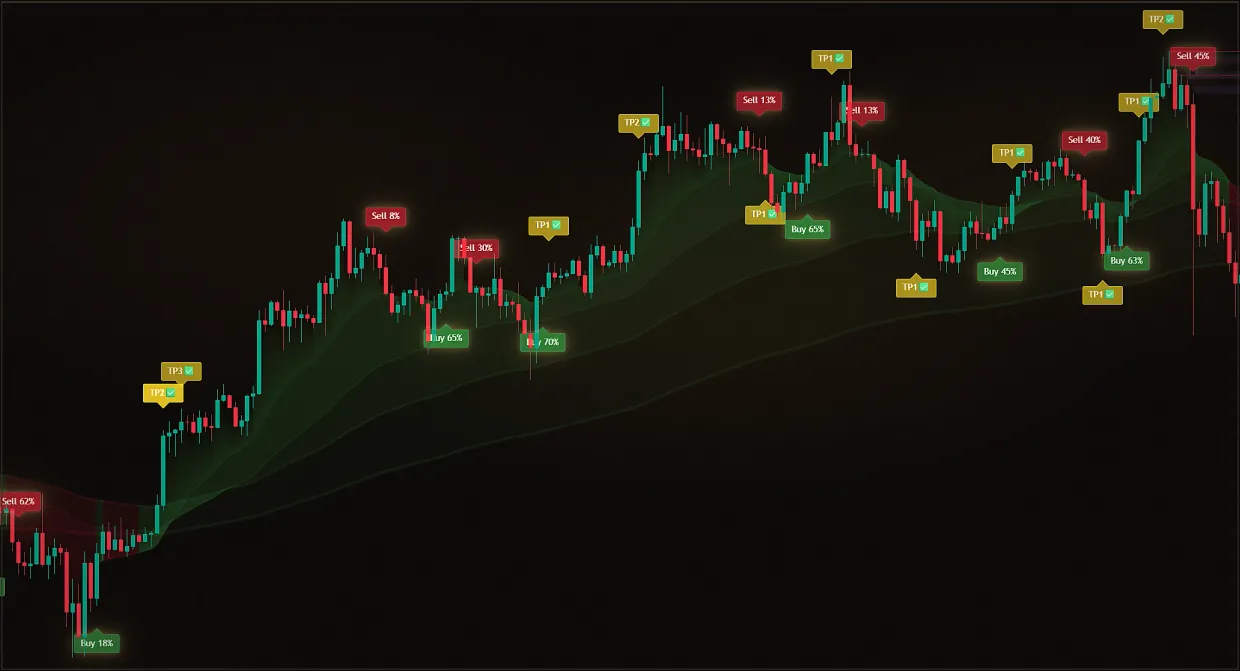
The screener feed is silent, and it is unclear whether the market is truly quiet or something is not working.
Waiting blindly
No signals, cause unknown - and you don't know whether to wait or to fix things.
Checking the list
A subscription screener has no settings you could break; if your own webhook alerts are silent, the checklist finds the cause.
Midas Screeners continuously monitor 1,000+ assets in six classes of markets, build a chart screenshot with the indicator and per-asset settings and send a ready-made analysis - a way to receive signals "on a platter" without your own webhook and without Premium. They are included in every paid plan, and there is nothing to configure: markets, signal types and the ticker list are set by the Midas team.
If the screener feed is quiet, it is almost never a breakdown. Screener settings are fixed by the team and cannot be changed by the user, so there are no filters to narrow by hand. And the subscription question answers itself: screener access works as group membership - when a subscription ends, the account is simply removed from the groups. "Silent because the subscription ended" does not happen: either you are in the group and the market is giving no signals right now, or the groups are gone - then check your subscription in the bot.
A completely different case is your own alerts via a webhook to your own Telegram bot. You control those yourself: conditions, lifetime and delivery address are yours, so there is something to check. The checklist below is exactly about that case.
Updated: · Midas Team
Subscription screeners: why silence is the norm
A quiet market is normal
The screener sends only the situations that actually pass its conditions. No messages on a calm market means there are no signals right now. Look into the neighbouring tabs: the screener space is divided by markets and signal types.
Settings are set by the team - and do not change
The list of markets, signal types and tickers is configured by the Midas team; the pinned post in each tab publishes the working principle and the ticker list. You cannot narrow the filters or "break" the settings by hand.
A subscription never mutes the screener
Screener access is group membership: when a subscription ends, the account is simply removed from the groups. While you are in the group, access is active; if the groups are gone, check your subscription in the bot.
If your own webhook alerts are silent
A webhook to your own Telegram bot is a different tool: you set the trigger conditions, the alert lifetime and the delivery address yourself (a paid TradingView plan and the Midas Premium plan are required). This is where settings can genuinely be narrowed or broken, so the checklist below covers this case.
Are the alert conditions too narrow?
One asset, one timeframe and a rare event may not trigger for weeks. Widen it: "Any alert() function call" instead of a single event, and on the TradingView Premium plan - an alert on the whole watchlist at once.
list of signal types in the alert dialog Is the alert alive?
The TradingView Alerts panel shows the state of every alert: whether its lifetime has expired, whether it is paused and when it last fired.
TradingView Alerts panel with the list of active alerts Is the webhook intact?
The delivery address looks like https://api.telegram.org/bot***********/sendMessage: the bot token is pasted in full, without asterisks, and did not get lost while copying. Two-factor authentication in TradingView is on - without it the webhook does not work.
Notifications tab in the alert dialog: the Webhook URL field Out of alert slots?
Free TradingView holds about one alert, Essential - 20, Plus - 100, Premium - 400. If you ran out of space, clean up the old alerts.
Can I configure the screener for my own strategy
No: the screeners included in the subscription are configured and run by the Midas team - the signal flow is the same for all members.
For your own conditions there are two paths: alerts via a webhook to your own bot, or checking tickers from the pinned list manually on a chart with the Midas indicators.
Did this guide help?
Thank you. Your answer was recorded.
Thank you for your feedback. You can continue in the English-language Midas bot. Open the English bot
The demo includes only Midas Up and Midas Down. The full Midas toolset requires a paid plan.
Test Midas on your own TradingView chart
- Seven days free: Midas Up and Midas Down on your TradingView chart
- No card or prepayment: access is linked to one public TradingView username
- Markets available on TradingView and timeframes from one minute to one month; choose settings for the asset and trading style
No card. No payment. A TradingView username is public; never send a password.
8,400+ Midas indicator installations · 300+ client reviews · active since 2024